
Occasional local updates may suit USB. Frequent or time-sensitive changes point towards network CMS.
Digital signage solutions
Choose the right path from content to screen
From local USB playback to remotely controlled networks and interactive journeys, Glonits combines the hardware and content workflow around the application.
01 · USB plug-and-play
A direct, dependable way to update a display
Compatible Android-based, non-interactive displays can copy images and video from a USB drive. Once the transfer is complete, remove the drive and the display plays the content in a continuous loop.
- Good for simple local content changes
- No specialist IT knowledge required for routine updates
- Images and videos play directly from integrated hardware
- Supported standalone products can be upgraded to network CMS use
02 · All-in-one network solutions
Connect, publish and control from anywhere
Connect compatible network hardware to the internet through Wi-Fi, Ethernet or an available 4G option. The online CMS can then publish content, monitor screens and issue supported remote commands.
- Integrated display and network media playback
- Remote updates for one screen or organised groups
- Playlist scheduling and orientation control
- Interactive content through the same platform
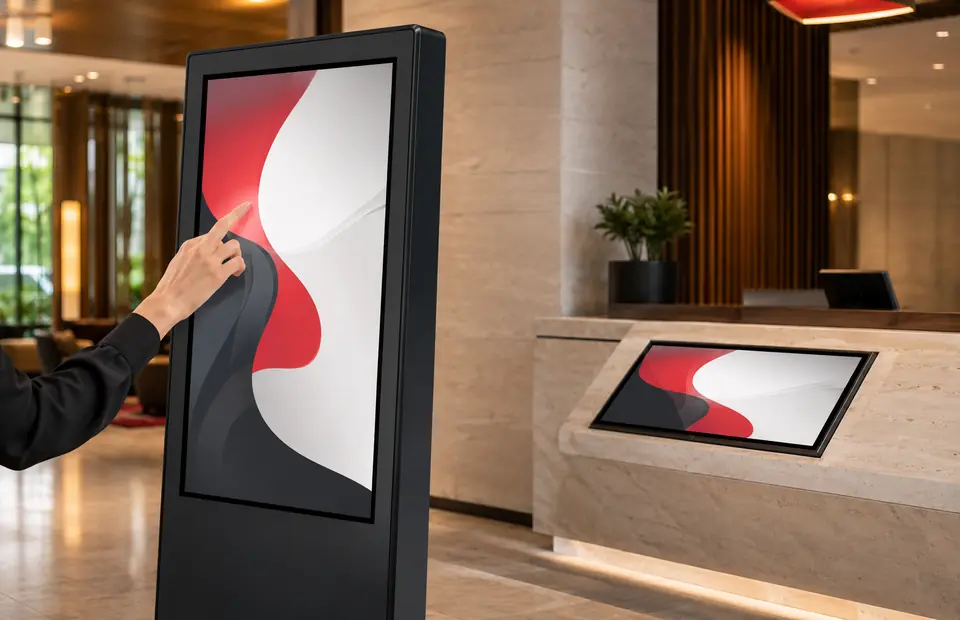
03 · Interactive signage
Turn viewers into active participants
PCAP and infrared touch solutions support wayfinding, product discovery, self-service and collaborative whiteboard experiences. The CMS can also build touch playlists without requiring code.
- Wall-mounted and freestanding formats
- Android and Windows-compatible options
- Buttons, media galleries, webpages and app launching
- Screensavers and timed return states
A practical decision framework
Start with the operating reality
Ambient light, weather exposure, duty cycle and mounting determine the correct hardware range.
Wayfinding, self-service or collaboration requires the right touch technology, operating system and enclosure.
A networked workflow becomes more valuable as locations, screen groups and publishing permissions expand.